
Barony Mods Guide: Workshop Picks, Safer Installs, and Compatibility Checks
Plan Barony mods around Workshop sources, compatibility checks, backups, and update-safe testing habits.
Independent fan-made guide. Not affiliated with Turning Wheel LLC.
Quick Guide
- Step 1Use official or clearly documented modding paths.
- Step 2Separate official DLC, source-code access, Workshop content, and community mods.
- Step 3Check version compatibility before installing or recommending a mod.
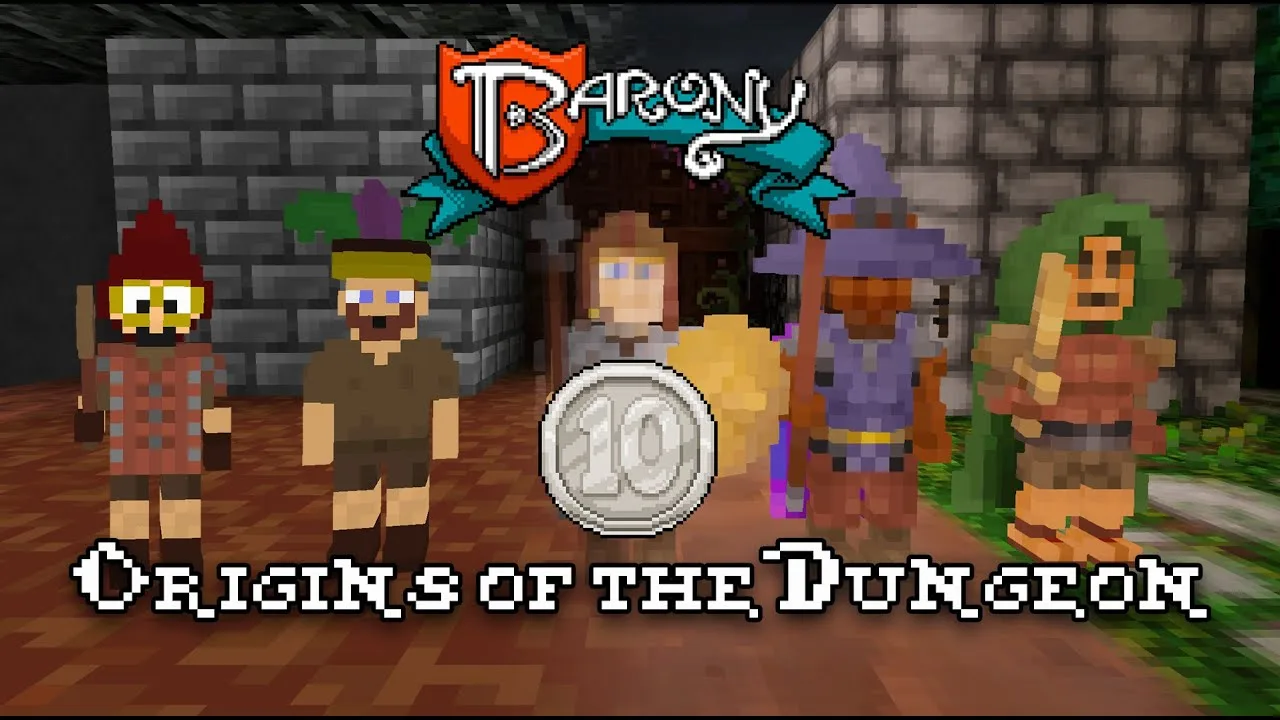
Barony mods can extend replay value, add classes, change player counts, or support custom experiments. Barony mods also create compatibility risk if you install too many at once. Treat Barony mods as controlled changes: add one, test one, and keep your baseline clean.
Where Barony Mods Usually Live
The Steam Workshop is the most visible place to start because it is tied to the Steam app and community update flow. ModDB, GameBanana, GitHub, and forum references may also appear, but each source needs more review before use.
| Source type | Use case | Caution |
|---|---|---|
| Steam Workshop | Easy install and browsing | Check update date |
| GitHub | Source or tools | Read instructions carefully |
| ModDB/GameBanana | Community files | Verify relevance and version |
| Forum links | Troubleshooting | Avoid stale advice |
Use the Steam Workshop for Barony as the safest first stop for Barony mods.
Safe Mod Testing Workflow
Do not install a full mod list in one step. Make a clean launch first, add one mod, then test a short run. If the game crashes, you know exactly what changed.
| Step | Action | Why |
|---|---|---|
| 1 | Start from a clean profile | Establishes baseline |
| 2 | Add one mod | Isolates failures |
| 3 | Test early floors | Finds obvious issues |
| 4 | Record version/date | Helps after updates |
| 5 | Remove stale mods | Prevents hidden conflicts |
This workflow is slower than mass installing, but it keeps Barony mods from turning troubleshooting into guesswork.
Mod Categories To Consider
Different Barony mods serve different goals. A player-count mod changes multiplayer expectations. A class mod changes balance. A workshop creation tutorial supports creators more than ordinary players.
| Mod goal | Good for | Watch out for |
|---|---|---|
| More players | Group experiments | Balance and stability |
| More classes | Replay variety | Power creep |
| Map tools | Creators | Learning curve |
| Visual or small tweaks | Comfort | Version drift |
If a mod affects saves or progression, test it on a disposable run before using it with important characters.
FAQ
Is barony mods beginner friendly?
barony mods is beginner friendly when you treat it as a planning topic instead of a shortcut. Test one change at a time, keep your first runs simple, and use community experience as a warning system rather than as a fixed rulebook.
Should I rely on community reports for barony mods?
Community reports are useful because Barony has many edge cases, but they should be checked against your current version, DLC ownership, and platform. If a tip conflicts with the official game behavior, trust what you can reproduce in a run.
What should I do first after reading about barony mods?
Start a low-pressure run, test the relevant mechanic in the early floors, and write down what killed you or slowed you down. Barony rewards repeatable habits more than one perfect build.
Related Guides
Deserters and Disciples DLC Review: New Races & Classes Explained
Explore the Deserters and Disciples DLC with 5 new races, classes, magic systems, and gameplay innovations. Dive into the full breakdown.
DLC Guide: Explore Monster Races, Classes & Soundtrack Add-ons
Discover all DLCs for unique gameplay, monster skins, and immersive music. Perfect for roguelike fans.
Mod: Ultimate Guide to Mastering Mesmer & Multiplayer
Discover the best mod tips for Mesmer builds and 15-player multiplayer. Unlock powerful strategies today.
Workshop: Ultimate Guide to Mods, Tips & Survival for New Players
Master with this in-depth guide on the Steam Workshop, beginner tips, and essential gameplay strategies.